Most “Magento SEO checklist” articles are generic SEO checklists with the word Magento inserted a few times – meta titles, alt text, site speed, the usual. None of that is wrong, but none of it explains why a technically solid Magento store can still rank below a mediocre one, or why pages that look fine in a browser get indexed badly or not at all.
The real Magento SEO problems are platform-specific. They come from how the platform generates URLs, handles filters, and renders pages by default – not from missing alt text. Here’s the checklist that actually matters, built from what we fix on client stores, not from a generic template.
Stop Layered Navigation From Eating Your Crawl Budget
Magento’s layered navigation (the filter sidebar – size, color, price, brand) generates a URL for every filter combination by default. A category with 6 filter attributes can produce thousands of crawlable URL variations, each one a near-duplicate of the base category page with a different query string.
- Set filterable attributes that shouldn’t generate indexable URLs to “Use in Layered Navigation: Filterable (no results)” where appropriate, or rely on canonical tags pointing back to the base category URL.
- Check that
rel="canonical" on filtered category pages actually points to the clean category URL, not to itself with parameters attached – this is the single most common Magento SEO bug we find on an audit.
- Add filter parameters to the “Search Engine Robots” exclusion list or handle them in
robots.txt so crawlers don’t burn budget on infinite combinations.
If Google is spending its crawl budget on 4,000 variations of the same category page, it has less budget left for the pages you actually want indexed.
Audit Your URL Structure Before You Audit Anything Else
- Check for duplicate URLs from both
/category/product.html and /product.html paths if “Use Categories Path for Product URLs” was toggled at some point in the store’s history – this single setting change, done without redirects, is behind more Magento ranking drops than any other configuration issue we see.
- Confirm the URL suffix setting (
.html or none) is consistent and hasn’t changed mid-life of the store without 301 redirects to match.
- Pull a list of 404s from Google Search Console and your server logs, not just one of them – they rarely agree completely, and the gap is usually where the real problem is.
Structured Data That Search Engines Actually Use
Product schema isn’t optional anymore – it’s how AI-powered search and shopping features decide whether to show your product at all, not just how you get rich snippets.
- Product schema with price, availability, and (if you have them) review ratings – Magento doesn’t ship this cleanly out of the box; most stores need it added or fixed via a plugin, not a generic SEO extension that only handles the homepage.
- BreadcrumbList schema matching your actual category hierarchy, not a flattened version that doesn’t match what a user sees on the page.
- Organization schema on your core pages, consistent across every language version of your site – a surprising number of multi-language Magento stores only get this right on the default locale.
Fix Hreflang Before You Fix Anything Else International
If you run more than one language or country storefront, hreflang tags are either the thing that makes your international SEO work or the thing that quietly cannibalizes it. We run four language versions of this exact site, so this one isn’t theoretical for us.
- Every language version of a page needs to reference every other language version, including itself – a one-way hreflang link (DE page points to EN, EN page doesn’t point back) is broken by definition and common on stores that added a new language manually.
- Hreflang values use the correct language-region codes (
en-us, not inconsistently mixed with en), and they match exactly what’s in your sitemap and your actual <link> tags.
- If you’re using Polylang, FireGento, or a similar multi-language setup, check it’s generating hreflang automatically for every URL type – category, product, and CMS pages – not only the ones someone remembered to configure.
Core Web Vitals Aren’t a Nice-to-Have Anymore
Page experience has been a ranking factor for years, and on a default Luma or Venia-based Magento theme, it’s usually the thing holding a store back the most.
- If you’re still on a Luma-based theme with full-page JavaScript rendering for checkout and cart, your Largest Contentful Paint is probably paying the price – Hyvä-based themes exist specifically because this was a chronic, structural Magento problem, not a one-off bug.
- Check for render-blocking JS and CSS on category and product pages specifically – these are your highest-value pages for both traffic and conversion, and they’re usually the heaviest.
- Image handling: lazy loading below the fold, correctly sized product images (not a 2000px image scaled down by CSS), and WebP where your theme supports it.
Don’t Let Out-of-Stock and Discontinued Products Quietly 404 Your Rankings
This one rarely makes a generic SEO checklist, but it’s a constant issue on real Magento catalogs: a product goes out of stock or gets discontinued, someone disables it, and the URL that used to rank starts 404ing – taking its link equity and its ranking history with it.
- Temporarily out-of-stock products should stay live and indexable with clear “back in stock” messaging, not get disabled and start throwing 404s.
- Permanently discontinued products need either a 301 redirect to the closest replacement or a proper “this product is no longer available, here’s what replaced it” page – not a disabled product silently removed from the catalog.
- If a category empties out because every product in it got discontinued, that category page needs a plan too, not just a 404 waiting to happen.
This is specifically why we built a free Discontinued Products module for Magento 2 – it blocks the sale and suggests a replacement instead of just deleting the page the product used to rank on.
The Checklist, Summarized
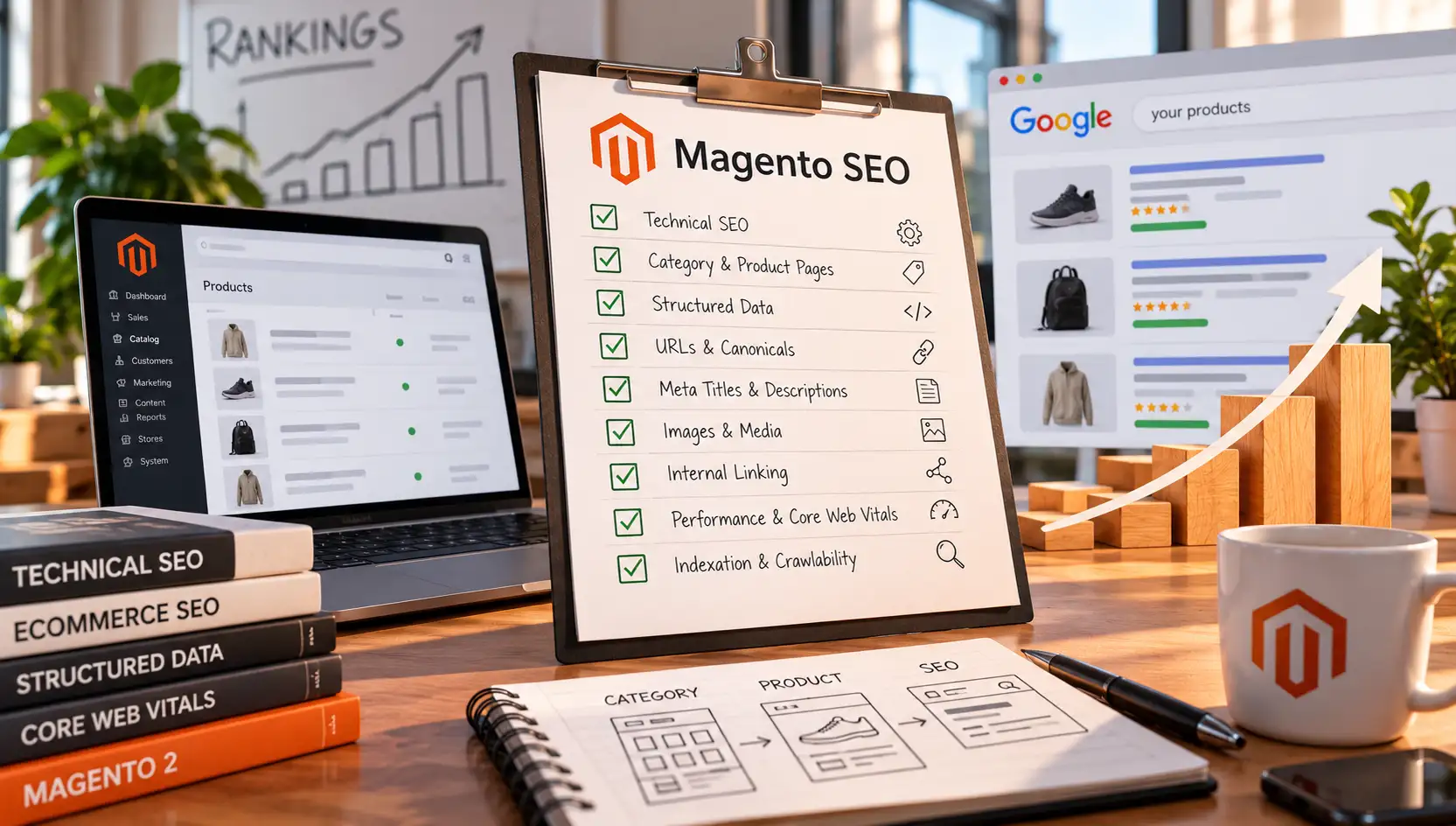
- Canonical tags on filtered/layered navigation pages point to the clean category URL
- Filter parameter URLs excluded from crawling or properly canonicalized
- No duplicate URL paths from historical “Use Categories Path” setting changes
- 404s cross-checked between Search Console and server logs
- Product, breadcrumb, and organization structured data present and valid on every language version
- Hreflang tags are bidirectional, correctly coded, and generated for every URL type
- Core Web Vitals checked specifically on category and product pages, not just the homepage
- Out-of-stock products stay indexable; discontinued products redirect or explain, they don’t silently 404
Where We Fit
We run SEO audits on Magento stores specifically for these platform-level issues – not a generic SEO report with “add more keywords” at the bottom. If your rankings don’t match how much work you’ve put into content, the gap is usually sitting in one of the categories above. Get in touch if you want a second set of eyes on it.