“Which part fits this model?” is the question every equipment, machinery and automotive parts seller gets on repeat. On most Magento stores the answer lives in a PDF, a spreadsheet, or the head of one experienced person in sales. Every time a buyer has to ask, it becomes an email, a phone call or a support ticket instead of an order.
We touched on this in our post on what B2B buyers actually want from a self-service portal. This is the deeper look at the module we built for it: Spare Parts, a free Magento 2 extension.
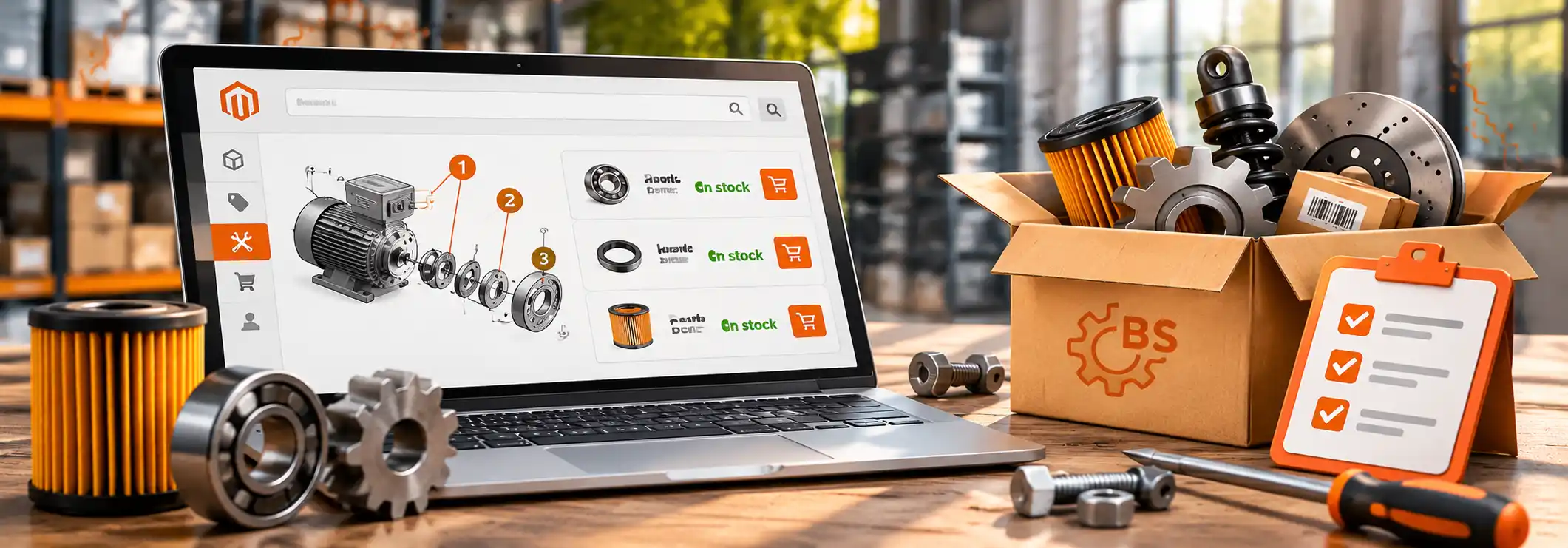
The simplest way to model “this machine takes these parts” in Magento is also the one that holds up best: link products to products. A spare part is a regular catalog product. It has its own SKU, price, stock status, images and add-to-cart button. The module only adds the relationship between a parent product (the machine, the device, the model) and the parts that belong to it.
That sounds almost too plain, but it matters. Because parts are real products, everything Magento already does for products keeps working: inventory, tier prices, customer group pricing, search, layered navigation, and QuickOrder if you use it. There is no parallel catalog to maintain.
Two places on the storefront:
/replacement-parts for that product, with Magento’s layered navigation so the buyer can filter down instead of scrolling.Both are controlled from the store configuration: how many items to show on the product page, whether to show the block only when parts are in stock, and the threshold after which the “View all” link appears.
On the product edit page there is a dedicated Spare Parts tab. Switch on “Show Spare Parts”, pick the parts in a product picker grid, save. Links can be set per store view, so a catalog with different assortments per market does not need a workaround. Access is controlled by its own ACL resource, so you decide which admin roles may edit the links.
There is also a REST endpoint, GET /V1/replacement-parts, that returns the parts linked to a product. It is useful when the data has to reach a mobile app, a headless frontend or a dealer portal.
The product page block ships with Luma markup. For Hyvä stores there is a small companion module, Spare Parts Hyvä, that replaces it with native Tailwind cards and a plain HTML add-to-cart form, with no jQuery or RequireJS dependency. The full listing page already works on Hyvä without it, since it reuses Magento’s own category and layered navigation templates.
We have seen the same three mistakes on parts projects, with or without our module.
composer require brosolutions/spare-parts
bin/magento module:enable BroSolutions_SpareParts
bin/magento setup:upgrade
For Hyvä, add brosolutions/spare-parts-hyva as well. Both are on Packagist: brosolutions/spare-parts and brosolutions/spare-parts-hyva. The module is free and released under the MIT license. Source code: GitHub.
If your parts data lives in an ERP, needs fitment logic, or has to connect with QuickOrder and discontinued products, that is the kind of work we do. Write to contact@brosolutions.net and tell us how your buyers find parts today.